

Tracking AI costs across providers: Anthropic and OpenAI Admin APIs in one Next.js page
Both expose usage and cost endpoints. Both have gotchas. Here's the wiring that actually worked.
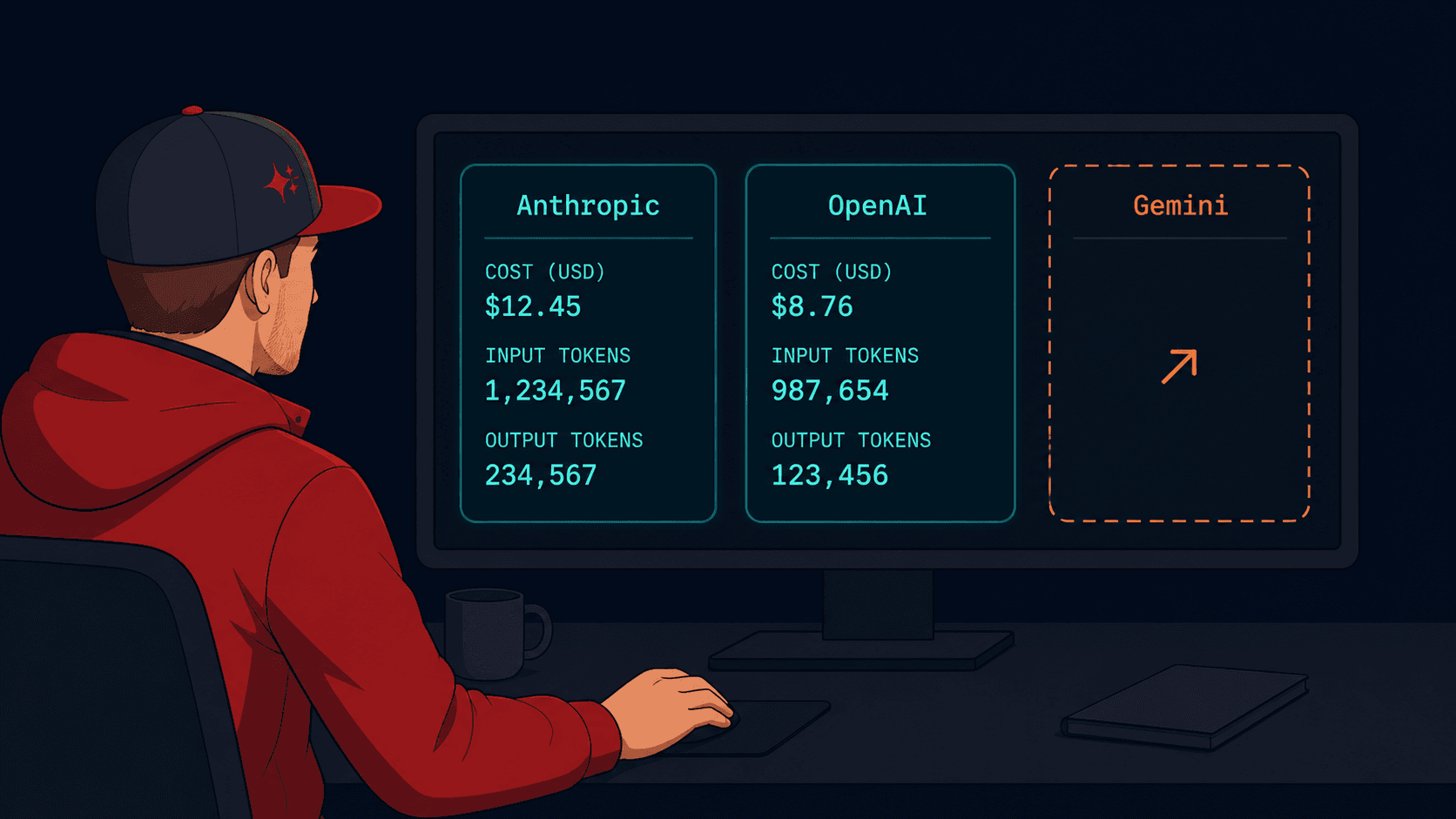
Anthropic's Admin API is invisible until you create an Organization. OpenAI's cost.amount.value can ship as a string. Anthropic renamed input_tokens to uncached_input_tokens and moved cache fields into a nested object. Each gotcha cost me about thirty minutes to figure out.
I was building a personal infra dashboard and wanted one section showing AI spend across providers. The endpoints exist on both Anthropic and OpenAI, both require Admin Keys (different from regular API keys), and both have response shapes that don't quite match the docs. This is the working integration, with every gotcha called out.
Why Admin Keys, not regular API keys
Both providers separate using the API from observing the organization that owns the API.
Regular API keys (sk-ant-..., sk-...) let you make completions and tool calls. They cannot see usage or cost data, even for their own requests. You need a separate Admin Key for that — sk-ant-admin-... for Anthropic, sk-admin-... for OpenAI.
This is a security boundary, not a billing thing. The intent is that a leaked completions key shouldn't expose your spend across the entire org.
Anthropic: Admin Keys hide behind Organizations
Here's the gotcha that took me the longest. From the Anthropic Admin API docs, in a tip box that's easy to skip:
The Admin API is unavailable for individual accounts.
If you signed up to Anthropic with a personal email and never converted to an Organization, the Admin Keys section literally does not appear in your Console. There's no error message, no upsell, no "Create Organization to unlock" button. The setting just doesn't exist.
The fix: Console → Settings → Organization → set up an organization. It's free. It doesn't change billing or add team-management features you don't want; it just unlocks the admin scope. After that, Settings → Admin Keys appears, and you can create sk-ant-admin-... keys.

Anthropic: the response shape changed
The endpoint is GET /v1/organizations/usage_report/messages. Auth is x-api-key: sk-ant-admin-..., plus the standard anthropic-version: 2023-06-01 header.
Older docs and blog posts I read pointed me at input_tokens and cache_creation_input_tokens as flat fields on each result. They aren't. The current shape is:
{
  "uncached_input_tokens": 1499,
  "cache_creation": {
    "ephemeral_1h_input_tokens": 0,
    "ephemeral_5m_input_tokens": 0
  },
  "cache_read_input_tokens": 0,
  "output_tokens": 83,
  "model": "claude-haiku-4-5-20251001"
}
If you sum input_tokens you get zero. The headline number in my dashboard was 0 input / 40K output for a week, which made no sense, and sent me back to the API to introspect.

Here's the working aggregation:
let inputTokens = 0;
let outputTokens = 0;
let cacheReadTokens = 0;

for (const bucket of usage) {
  for (const r of bucket.results) {
    const cacheCreate =
      (r.cache_creation?.ephemeral_5m_input_tokens ?? 0) +
      (r.cache_creation?.ephemeral_1h_input_tokens ?? 0);
    inputTokens += (r.uncached_input_tokens ?? 0) + cacheCreate + (r.cache_read_input_tokens ?? 0);
    outputTokens += r.output_tokens ?? 0;
    cacheReadTokens += r.cache_read_input_tokens ?? 0;
  }
}
I show inputTokens as the headline because it represents the full payload — base + cache write + cache read — not just the part that was billed at full rate.
OpenAI: Admin Keys are visible by default
Unlike Anthropic, OpenAI treats every account as an organization (a single-member one for individuals). Admin Keys are at platform.openai.com/settings/organization/admin-keys and appear without any setup. Click Create, copy the sk-admin-... value.
The endpoint is parallel to Anthropic's:
const start = Math.floor(Date.now() / 1000) - 7 * 86400;

const res = await fetch(
  `https://api.openai.com/v1/organization/usage/completions?start_time=${start}&bucket_width=1d&group_by=model`,
  { headers: { Authorization: `Bearer ${process.env.OPENAI_ADMIN_KEY}` } }
);
Two things differ from Anthropic:
OpenAI uses Unix timestamps (seconds since epoch), not ISO strings
OpenAI uses
Authorization: Bearer, notx-api-key
Field names: input_tokens, output_tokens, input_cached_tokens, num_model_requests. Cleaner than Anthropic's, no nested objects.
OpenAI: cost.amount.value can ship as a string
The cost endpoint is GET /v1/organization/costs. The reference page documents amount.value as a number, and that's what most responses return:
{
  "amount": { "value": 0.0234, "currency": "usd" },
  "line_item": "..."
}
But I saw a string in actual responses on at least one query — possibly tied to a specific group_by or an older API version surfacing through. If you do totalCost += r.amount.value without parsing, a single string value flips the sum into concatenation: "0" + "0.0234" + "0.0091" = "00.02340.0091", and the reduce returns a string, the UI then renders as text.
I caught this only because my dashboard rendered a literal "00.02340.0091" instead of $0.0325. Defensive parsing prevents it regardless of which type the API ships:
const v = r.amount?.value;
costUsd += typeof v === 'string' ? parseFloat(v) : (v ?? 0);
The combined integration
Both providers wrap into a single function that returns a normalized card per provider:
export interface AiUsageCard {
  id: string;
  name: string;
  costUsd: number;
  inputTokens: number;
  outputTokens: number;
  dashboardUrl: string;
}

export async function getAllAiUsage(): Promise<AiUsageCard[]> {
  const results = await Promise.allSettled([
    getAnthropicUsage(7),
    getOpenAiUsage(7),
  ]);
  return results
    .map((r) => (r.status === 'fulfilled' ? r.value : null))
    .filter((v): v is AiUsageCard => v !== null);
}
Promise.allSettled is important — if one provider's API key is missing or expired, the other still renders. Each per-provider function returns null when its env var is unset, which keeps the card off the grid silently instead of showing a broken state.

Get the rest of the integration via email
That's enough to query both APIs and avoid the two response-shape gotchas. What's in the email series:
Day 0 — Anthropic's separate
cost_reportendpoint, plus the Priority Tier caveat that the docs don't make obviousDay 2 — The full normalized-card integration: error handling, env-var fallbacks, and the type-safe aggregation that survives a missing key
Day 4 — The Gemini situation: why AI Studio keys can't be monitored at all, the Cloud Monitoring workaround for GCP-bound keys, and when it's worth it
Day 7 — Three things I built and would skip on a rewrite, plus the GitHub source
https://drippery.app/subscribe/d59f1e2e-d82f-4024-b450-366fbe75a428
The takeaway
Two clean takeaways for the public version:
For Anthropic, set up an Organization first. The Admin Keys section is invisible without one.
For OpenAI, parseFloat the cost amount. The string-vs-number mismatch will silently corrupt your sum.
The rest is in the email series above.